
Your entire AI stack in one app.
OpenAI, Anthropic, Google, Mistral, xAI, local models and more stay available without switching tabs.
Switch between 300+ AI models from one native Mac app.Your AI, your way.
Google sign-in · Intel & Apple Silicon · macOS 13+


Helping people work smarter at


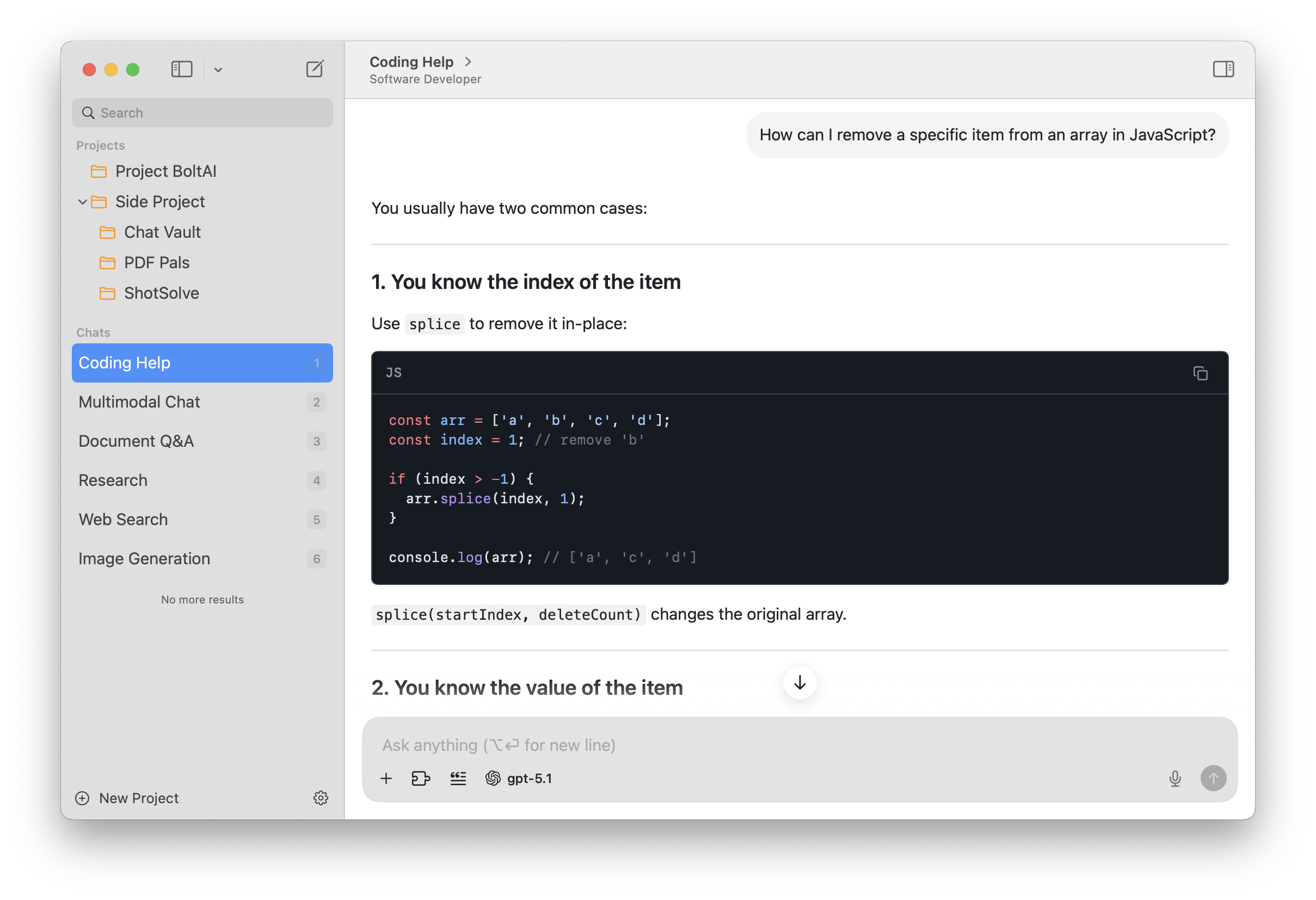
Built in native macOS app, built using SwiftUI and AppKit.
Familiar UI. Universal Shortcuts Keys, and super-fast Apple M1/M2/M3/M4 performance.
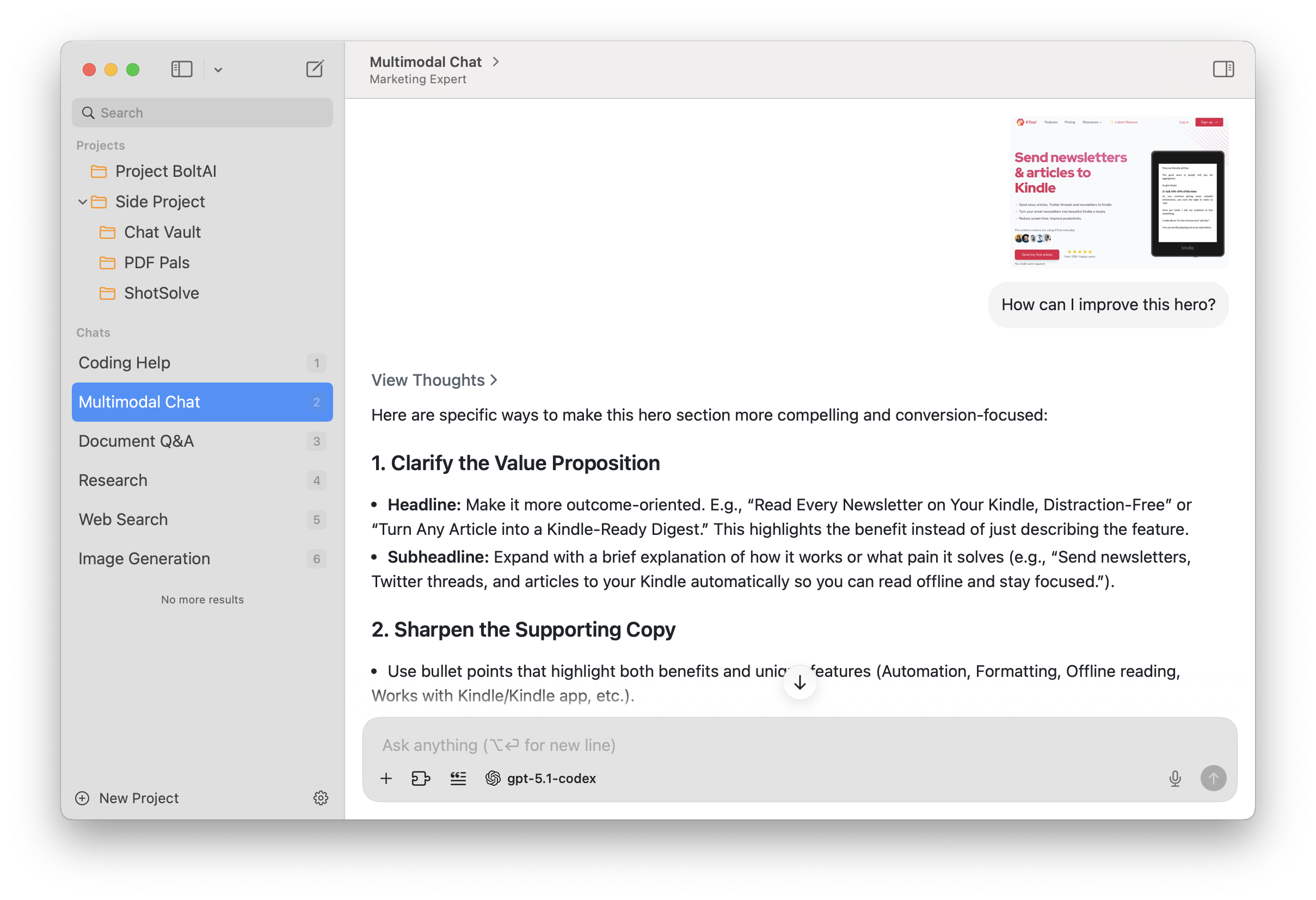
OpenAI, Anthropic, Google, Mistral, xAI, local models and more stay available without switching tabs.
Work with projects, reusable prompts, files, search and agents in one workspace that remembers context.
Analyze PDFs, screenshots, code, and websites with vision-enabled models that work across formats.
Set model, temperature, system prompts, context and tools for the exact result you want.
Connect MCP servers, search, coding agents, image tools and reusable automations.
Chats stay on your Mac by default. API keys are stored locally and never used to train a model.
Bring AI to whatever you're doing with a single shortcut. Both pop-up instantly, see to explain code, rewrite text, summarize a webpage, or brainstorm with teammates on your screen—no context switching.
Apple Intelligence, done right.
Open BoltAI instantly from any app with a keyboard command and start without touching your workflow.
Capture context from your screen and ask for explanations, code fixes, translations or summaries in seconds.
Turn rough thoughts into clean prompts and polished writing with built-in speech-to-text.
Compare answers and move between models while preserving context and your place in the thread.
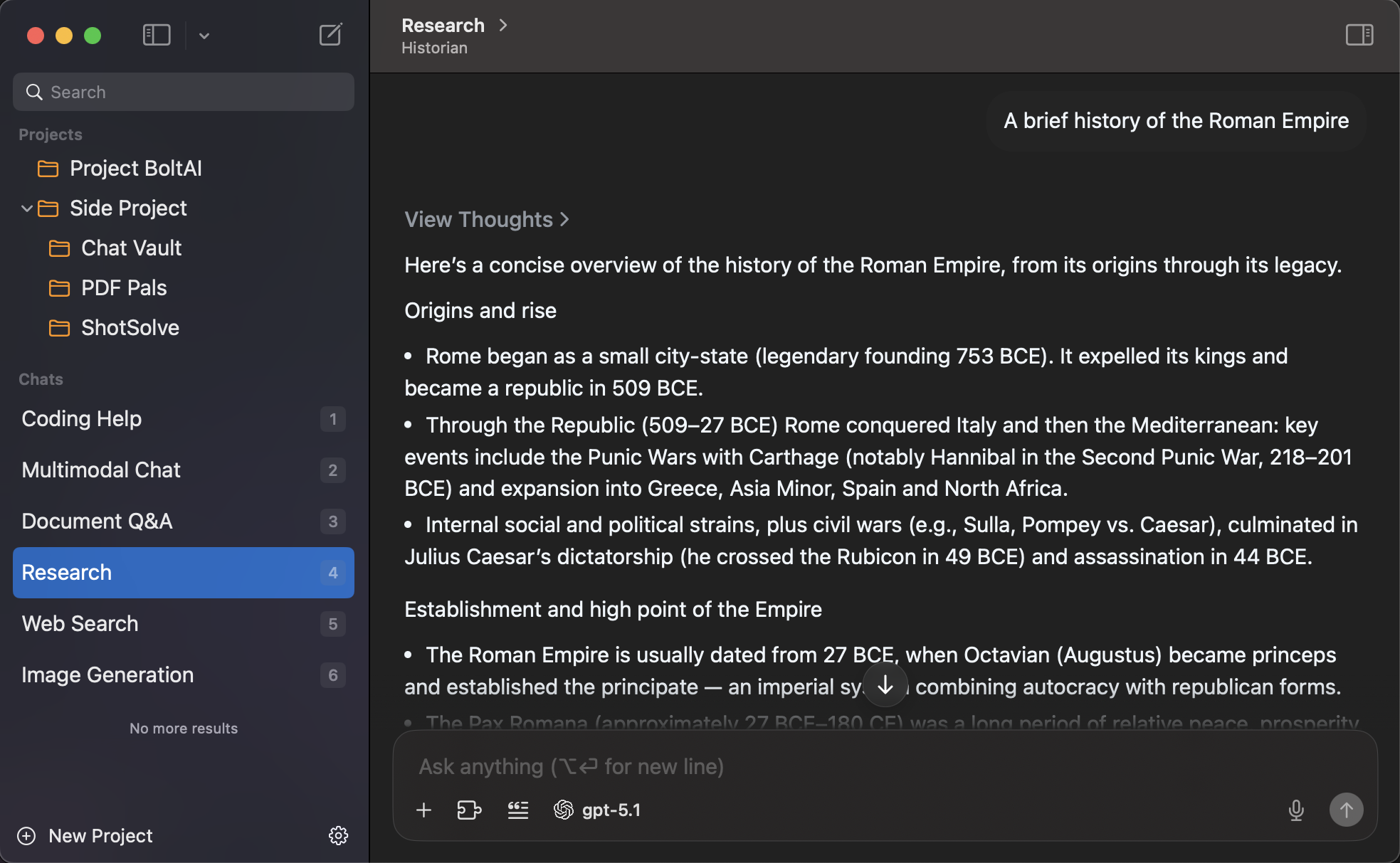
Use BoltAI on your Mac, iPhone and iPad with the same agents, projects and private context.
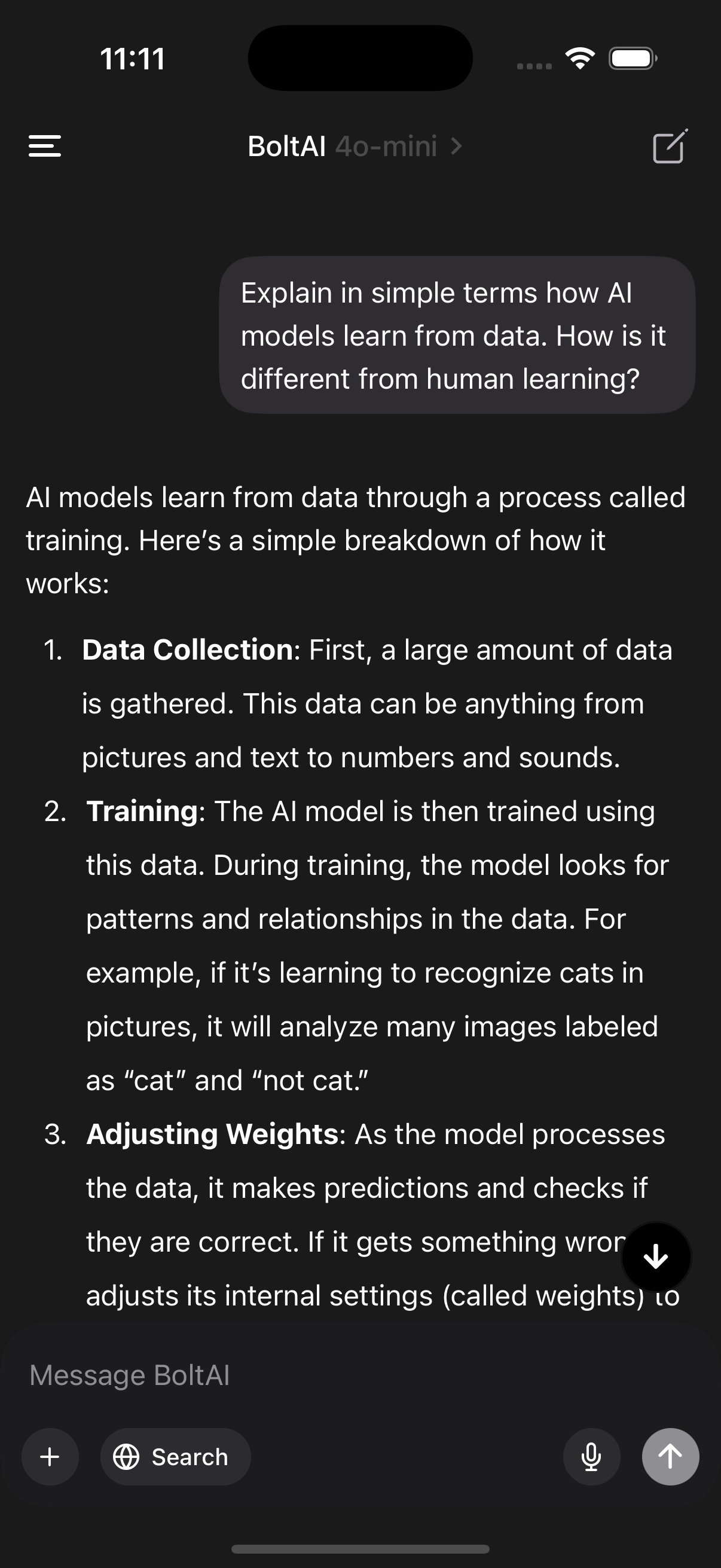
Run powerful LLMs such as Llama and Mistral locally—free, private responses without sending data anywhere.
Chats are stored locally, use Apple Keychain for API keys, and rolling private context.

Connect local tools, automation servers, hosted functions and APIs to make your workflow more capable.
“My company provides critical software services for customers such as Spotify, Google, Coinbase, Bitwise, and many others. We use AI in our day-to-day workflow. BoltAI with ChatGPT is the one I have bought, and its tight integration makes it integral in my toolkit now and in the future. If someone is finding themselves with scattered tools but no clear path to AI, I would recommend BoltAI as the perfect tool for new users, and retains value for advanced AI users who want an AI like BoltAI that tightly integrates Linear into my workflow I have to check out; I have my links on it at all, and my workspace at a glance”.LaszloCreator of Dakai
BoltAI brings together the best advanced models, a tailored interface, and the privacy controls power users need to embed AI into serious work.
Explore all features →Run multi-step research, writing and coding tasks with tools.
Use reusable workflows to move from research to finished output.
Read screenshots, PDFs, spreadsheets and code together.
Choose the best model for each stage or task.
Apply saved prompts, context and instructions consistently.
Keep useful context close without rebuilding prompts.
Launch common actions without leaving your current app.
Keep private local inference available alongside cloud models.
Choose a monthly or annual plan. Every plan includes the complete private AI workspace and can be canceled at any time.
Read the official release notes to learn about all the latest improvements and new features in the desktop app.
When an AI shortcut can't capture the visible text bubble yourself background, ask a new app about the relevant template and then continue with choice.
Fixed an issue parsing prompts with attachments in a specific tool call and local messages. This change is internal.
BoltAI is billed monthly or annually through Stripe. Every paid plan unlocks the complete workspace, and you can cancel at any time from billing settings.
Yes. Connect the providers you already use, or run local models through Ollama and compatible endpoints.
Your BoltAI account and chats are not used to train a model. Provider requests remain subject to the policies of the model provider you choose.
OpenAI, Anthropic, Google Gemini, Mistral, xAI, Perplexity, Ollama and OpenAI-compatible endpoints are supported.
Yes. Device limits depend on your plan. Every plan supports at least one Mac, and changing devices does not require a second purchase.
You can explore the product pages without an account. Google sign-in is required before choosing a plan and opening the private workspace queue.
One app. Every model. Complete control.